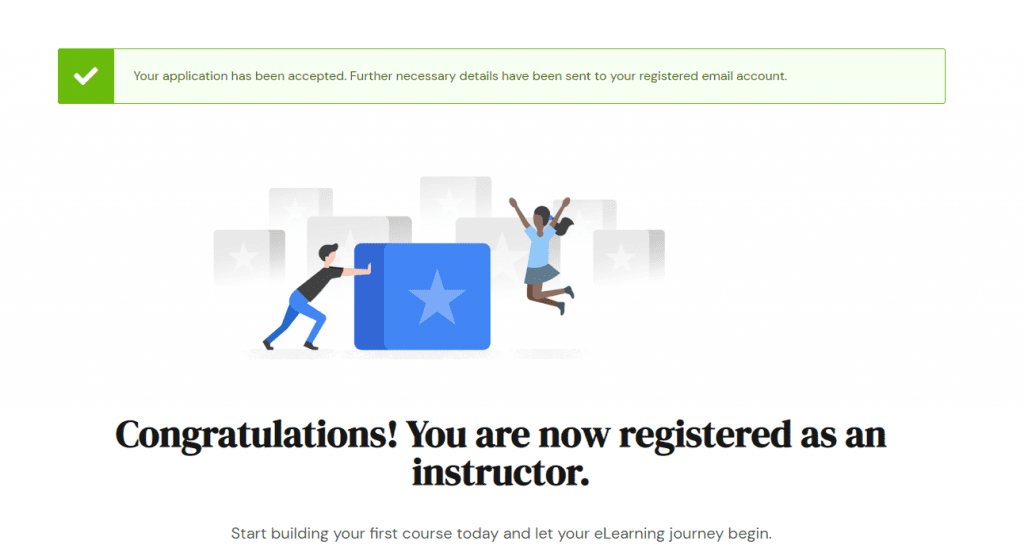
- Login into your Student account.
- Go to your Dashboard.
- Click the “Become an Instructor” button in the top-right corner of the page.
- Click the “Apply to become an Instructor” button.
Upon clicking the button, the Atheneum Academy platform will automatically approve your account to become an Instructor.